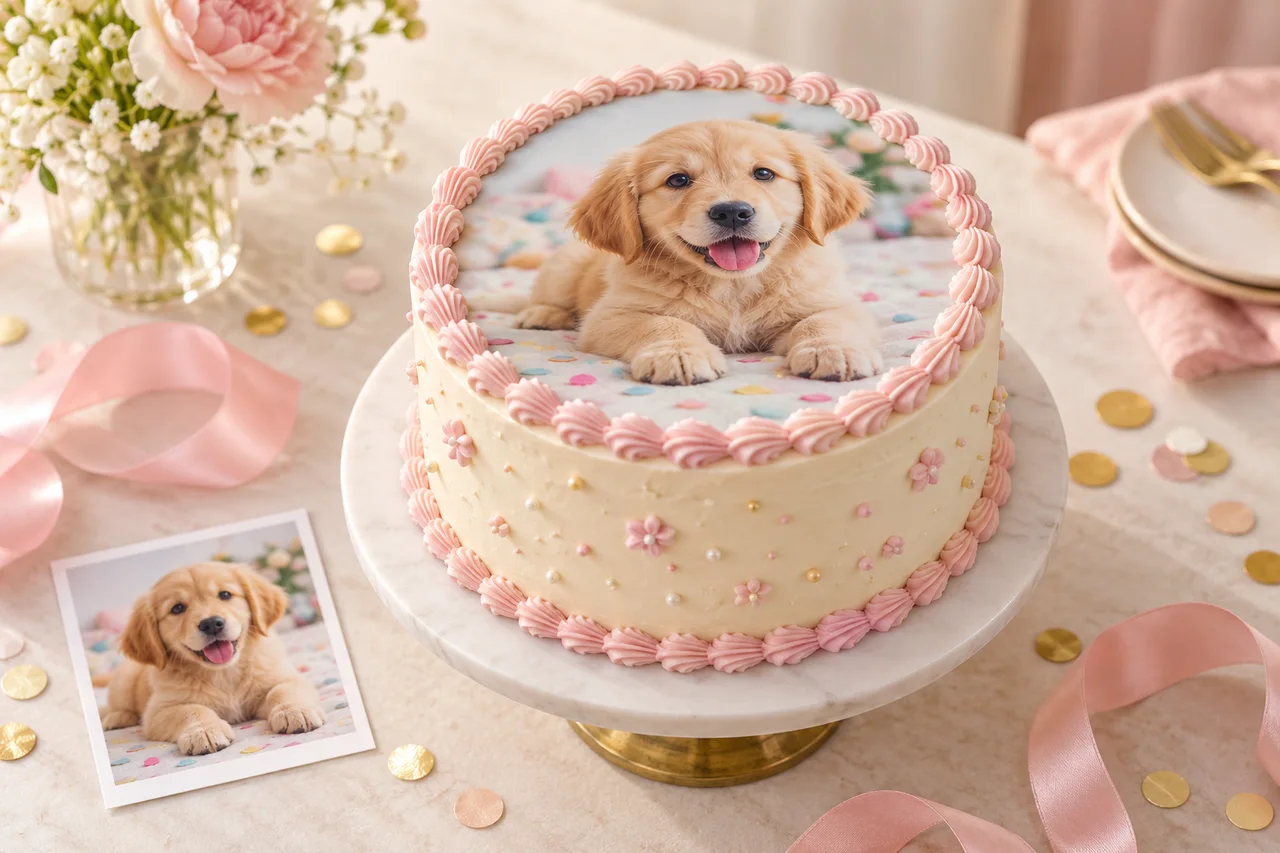
A favourite photo can make a celebration feel personal before the first slice is served. Here is a simple way to prepare your image for a customised cake topper.
Start with a clear original image
Choose the original photo where possible, rather than a screenshot of it. Look for a picture with good light, a clear face or subject, and enough space around the edges to suit the shape of the topper.
For a round design, imagine a circle over the image. Keep important details away from the corners so they do not disappear when the composition is arranged within the circle. A simple background can help the main subject stand out.
Upload on the product page
Open a product marked for customisation, choose the available size and material, then select your image before adding it to the cart. The upload accepts JPEG, PNG or WebP files up to 10 MB. Check the preview to make sure you selected the right photo.
Review the design you are ordering
If your cart contains several different personalised products, check the image attached to each design. Review any names, ages and messages you have provided as well as the product size and quantity. Keeping the photo and product selection together helps make the order clear.
From a first birthday portrait to a favourite family moment, the best image is one that means something to the person you are celebrating. Find a personalised cake topper to start your design.